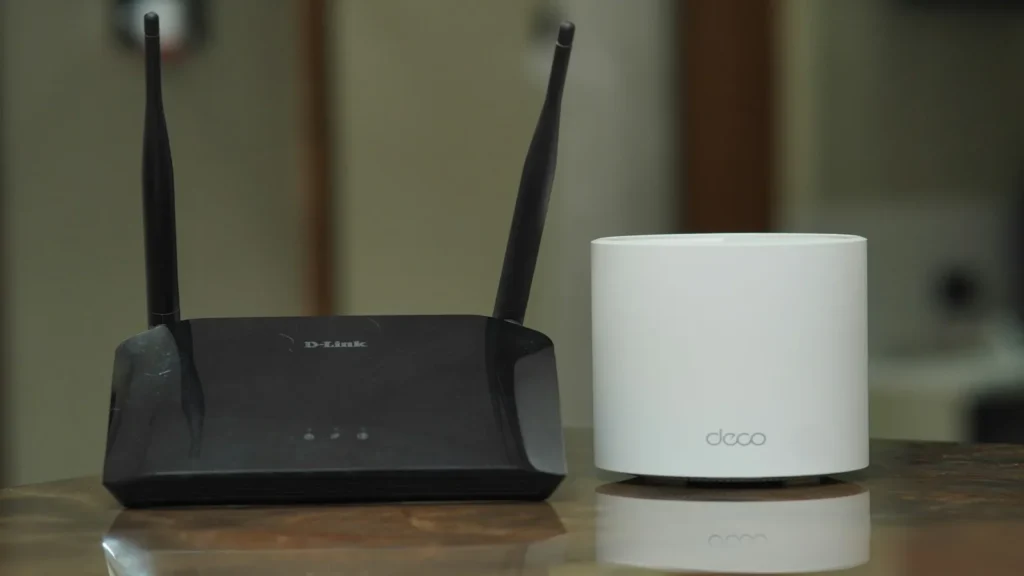
Quick Answer: For IPTV streaming, 5 GHz Wi-Fi is significantly better than 2.4 GHz. The 5 GHz band delivers higher data rates (up to 1,300+ Mbps), 24 non-overlapping channels, and minimal packet jitter. While 2.4 GHz penetrates physical walls better, its narrow spectrum is plagued by neighborhood interference and household appliances, frequently causing live stream buffering.
Most modern home routers broadcast simultaneous wireless signals across two distinct radio frequencies: 2.4 GHz and 5 GHz. When connecting your smart TV, Firestick, or Android box, choosing the correct band makes the difference between flawless 60fps live sports and persistent spinning loading circles. Understanding the physics of RF propagation and channel saturation allows you to configure your home Wi-Fi for uninterrupted entertainment.
Table of Contents
- Technical Benchmark: 2.4 GHz vs 5 GHz
- The Severe Channel Congestion of 2.4 GHz
- Why 5 GHz Excels for High-Bitrate Video
- Overcoming the 5 GHz Range Limitation
- How to Split Router SSIDs for Streaming Devices
- The Future: Wi-Fi 6E and the 6 GHz Band
- Responsible Streaming Policy
- Frequently Asked Questions
Technical Benchmark: 2.4 GHz vs 5 GHz
Compare the core networking specifications of both wireless frequencies:
| Specification | 2.4 GHz Wi-Fi | 5 GHz Wi-Fi |
|---|---|---|
| Maximum Real-World Speed | 40 – 90 Mbps | 300 – 850+ Mbps |
| Non-Overlapping Channels | Only 3 (Channels 1, 6, 11) | Up to 24 Channels |
| Typical Local Jitter | 20 – 75 ms (High Variance) | 2 – 8 ms (Consistent) |
| Physical Obstacle Penetration | Excellent (Long wavelengths) | Moderate (Shorter wavelengths) |
| IPTV Performance Rating | Poor for HD/4K | Recommended for All Streams |
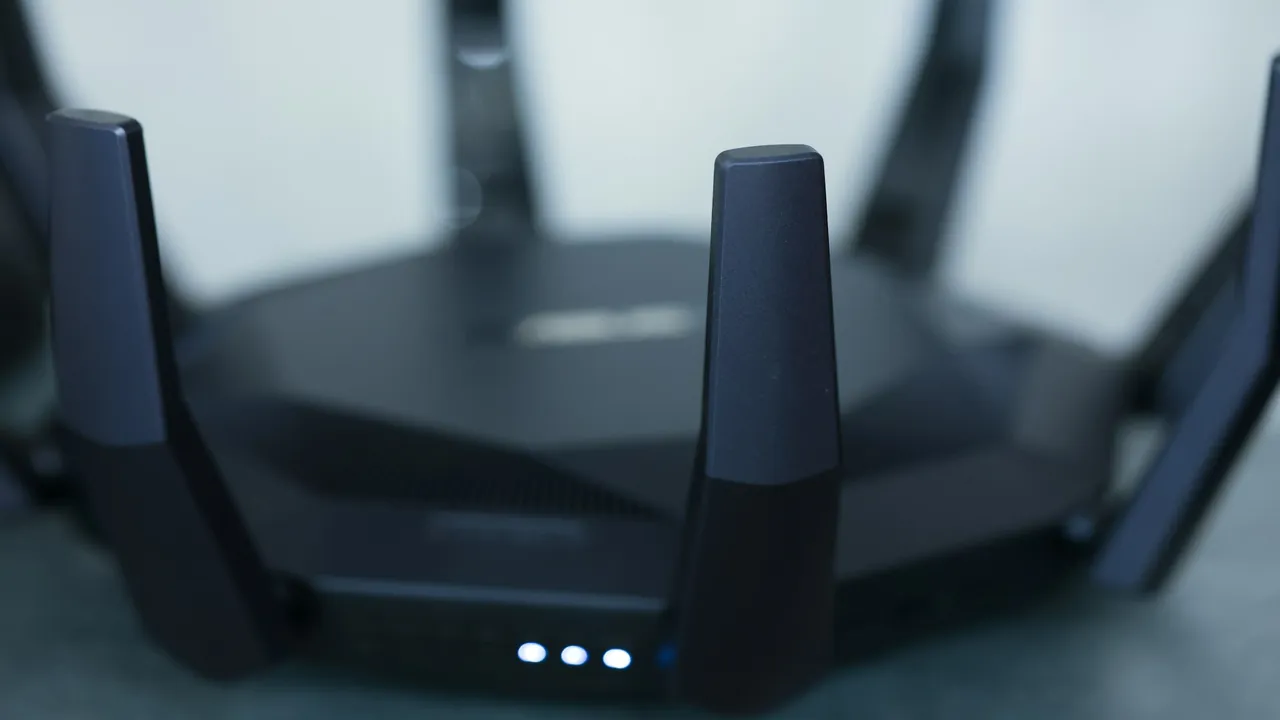
Orienting external router antennas perpendicular to each other improves multi-directional 5 GHz signal coverage.
The Severe Channel Congestion of 2.4 GHz
The 2.4 GHz spectrum spans from 2,400 to 2,483.5 MHz, offering only three non-overlapping 20 MHz channels: 1, 6, and 11. In an apartment building or suburban neighborhood, dozens of routers share these exact three lanes. Furthermore, microwave ovens, baby monitors, cordless phones, and Bluetooth headphones all broadcast across 2.4 GHz. Whenever an adjacent device transmits, your streaming box drops video packets.
Why 5 GHz Excels for High-Bitrate Video
The 5 GHz spectrum provides vastly wider frequency bandwidth, accommodating wider 40 MHz and 80 MHz channel bonds. With up to 24 non-interfering channels, your streaming device operates in a virtually empty lane with negligible competition. This delivers the low packet jitter required for real-time video delivery. Review our technical guide on recommended internet speeds for IPTV for speed benchmarks.
Overcoming the 5 GHz Range Limitation
Higher frequency radio waves attenuate faster when passing through solid materials like brick, concrete, and drywall. If your streaming box is more than 35 feet from your router:
- Position your router on an elevated open shelf rather than inside an enclosed TV console cabinet.
- Adjust router antennas so one points vertically and one tilts at a 45-degree angle.
- If the 5 GHz signal remains under -70 dBm at your TV location, deploy a mesh Wi-Fi node or switch to wired Ethernet. Learn why in our breakdown of Wi-Fi vs Ethernet for IPTV.
How to Split Router SSIDs for Streaming Devices
Many modern routers ship with “Smart Connect” or “Band Steering” enabled by default, merging both frequencies under a single Wi-Fi name. Smart TVs often default to the stronger 2.4 GHz signal even when fast 5 GHz is available. To prevent this:
- Log in to your router’s administration dashboard (typically
192.168.1.1or192.168.0.1). - Locate Wireless Settings and disable Smart Connect.
- Assign distinct names: e.g.,
Home-Network-2.4GandHome-Network-5G. - Connect your smart TV or streaming box exclusively to the
5Gnetwork.
To eliminate lingering buffer issues, read our proven methods on how to reduce IPTV buffering.
The Future: Wi-Fi 6E and the 6 GHz Band
The latest Wi-Fi 6E and Wi-Fi 7 routers introduce the pristine 6 GHz frequency band. Featuring seven super-wide 160 MHz channels with zero legacy device interference, 6 GHz brings near-Ethernet latency to wireless living rooms.
Responsible Streaming Policy
Orvixa IPTV supplies high-capacity digital delivery infrastructure. Subscribers are responsible for confirming that all multimedia content viewed through their hardware complies with regional copyright regulations and appropriate licensing frameworks.
Frequently Asked Questions
Can 2.4 GHz Wi-Fi handle standard 1080p IPTV streams?
In isolated rural homes with zero neighbor interference, 2.4 GHz can support 1080p video. However, in urban or suburban environments, random latency spikes and packet loss will cause intermittent buffering during live broadcasts.
Will a Wi-Fi range extender help with 5 GHz streaming?
Traditional single-band Wi-Fi extenders cut throughput in half and double network latency because they must receive and retransmit each packet wirelessly. A tri-band mesh system or wired Powerline adapter is a far better investment for live streaming.
Stream Smoothly Across Every Room
Optimize your 5 GHz wireless network and unlock crystal-clear 4K entertainment with Orvixa IPTV.
Test Orvixa IPTV With a Free 24-Hour Trial
Experience 28,000+ live US & international channels, 4K/Full HD sports, and VOD on your Smart TV, Firestick, or mobile device before you commit.