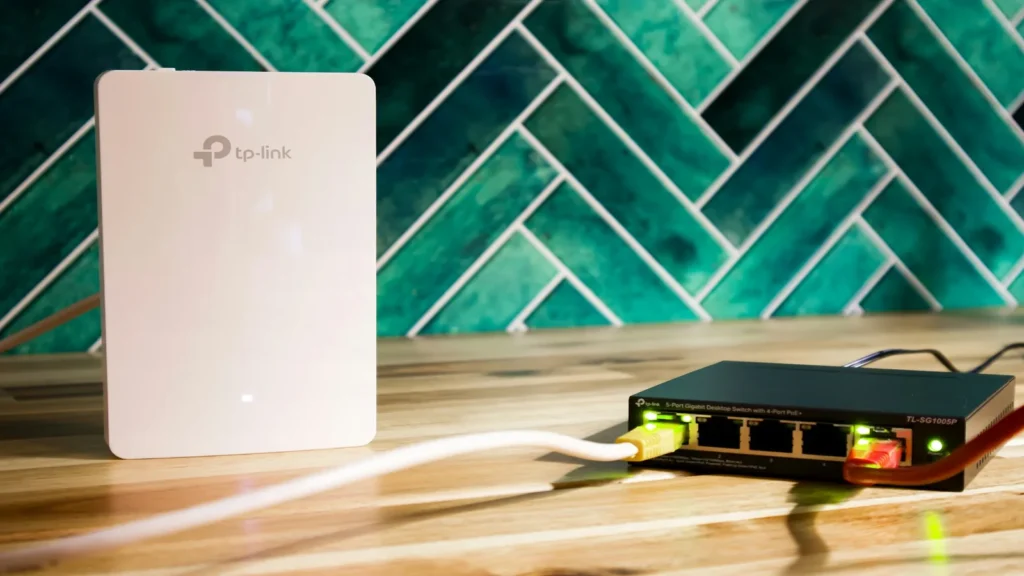
Quick Answer: Wired Cat6 Ethernet is categorically superior to Wi-Fi for IPTV. While Wi-Fi can deliver high peak download speeds, it suffers from wireless radio interference, half-duplex contention, and latency jitter that cause live streams to buffer. An Ethernet connection provides a dedicated, full-duplex pipe with 0.0% packet loss and sub-2ms local ping.
When setting up a smart TV or streaming box, Wi-Fi is unquestionably the most convenient option—no cables running along baseboards or through drywall. However, IPTV streaming differs fundamentally from general web browsing or Netflix viewing. Live television requires an unbroken, real-time stream of data packets. Comparing the underlying networking mechanics of wireless versus wired infrastructure explains why Ethernet remains the ultimate choice for television purists.
Table of Contents
Head-to-Head Performance Benchmark
Here is how wired Cat6 Ethernet compares directly against common wireless Wi-Fi bands for sustained multimedia delivery:
| Network Type | Local Latency | Packet Jitter | Susceptibility to Interference | IPTV Reliability Score |
|---|---|---|---|---|
| Cat6 Wired Ethernet | < 1 ms | 0 – 1 ms | None (Shielded copper) | 10 / 10 (Gold Standard) |
| 5 GHz Wi-Fi (Wi-Fi 5/6) | 3 – 12 ms | 4 – 18 ms | Moderate (Walls / Obstacles) | 7.5 / 10 (Good) |
| 2.4 GHz Wi-Fi | 15 – 45 ms | 20 – 80 ms | Severe (Microwaves, Bluetooth, Neighbors) | 3 / 10 (Frequent Buffering) |
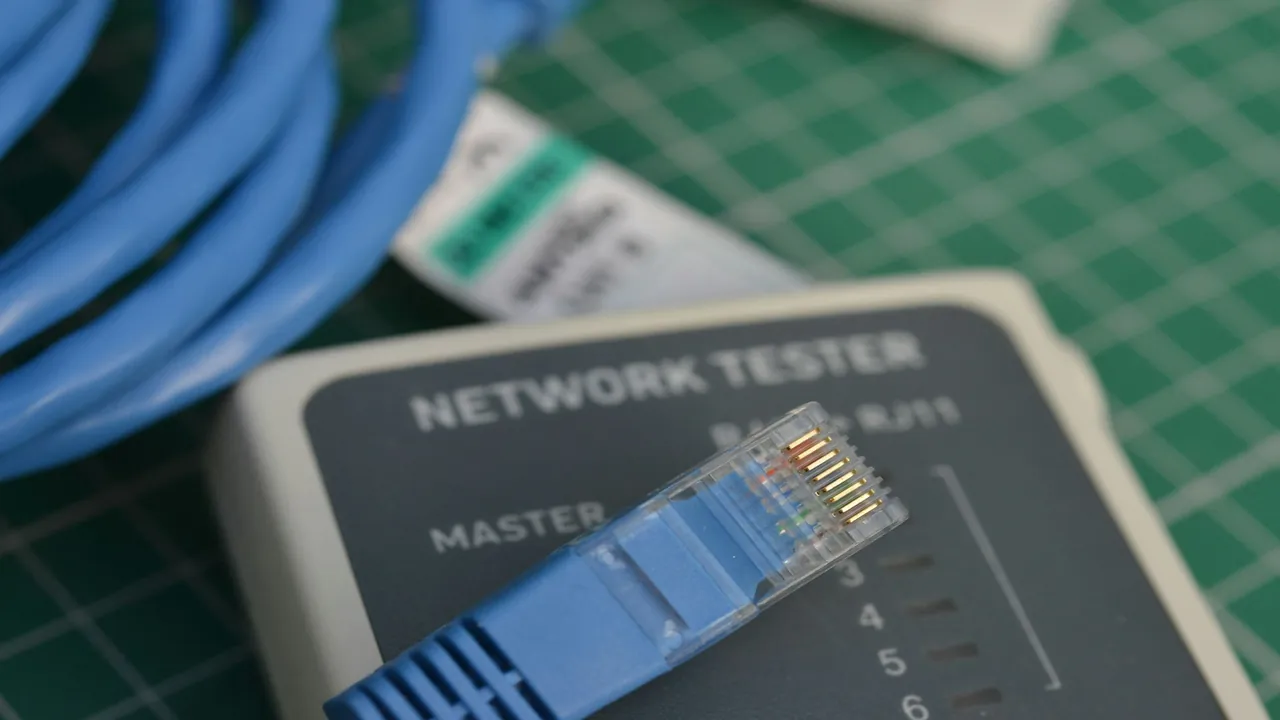
A physical RJ45 connector delivers pure galvanic isolation and zero packet contention.
Why Wi-Fi Jitter Kills Live Streams
Unlike video-on-demand services that buffer minutes of video into device storage, live sports and live news are delivered in tight time slices. If your Wi-Fi connection encounters momentary radio interference, packets arrive late or out of sequence (known as jitter). When the playback buffer empties, the video freezes immediately. For a comprehensive guide on diagnosing throughput, consult our analysis on recommended internet speed for IPTV.
Half-Duplex Wi-Fi vs Full-Duplex Ethernet
Wi-Fi operates on a half-duplex medium: like a walkie-talkie, only one device can transmit data on a wireless channel at any single millisecond. If your smartphone syncs photos or your laptop downloads an update, your smart TV must pause its reception until the wireless airtime is free. In contrast, Ethernet is full-duplex, transmitting and receiving data simultaneously over dedicated twisted-pair copper wires with zero channel contention.
Smart Alternatives to Running Long Ethernet Cables
If your router is situated on a different floor or in another room from your entertainment center, you do not need to punch holes through walls to achieve wired performance:
- MoCA 2.5 Adapters (Multimedia over Coax): If your home has existing coaxial TV cable outlets, MoCA adapters convert coaxial wiring into a 2.5 Gbps wired Ethernet network with sub-2ms latency.
- Powerline AV2000 Adapters: Transmit network signals over your home’s existing electrical wiring. Simply plug one unit next to your router and the second unit behind your television.
- Mesh Wi-Fi with Dedicated Wireless Backhaul: Place a secondary mesh node in your living room and connect your streaming device to that node via a short Ethernet cable.
How to Optimize Wi-Fi When Ethernet Isn’t an Option
If Wi-Fi is your only feasible option, follow these optimizations to minimize dropouts:
- Force 5 GHz Band: Separate your router’s Wi-Fi network into distinct SSIDs (e.g.,
Home-Network-5G) and ensure your TV never connects to 2.4 GHz. Read our detailed comparison on 2.4 GHz vs 5 GHz Wi-Fi for IPTV. - Increase Player Buffer Cache: Set your player’s buffer to 3–5 seconds (Medium buffer) to absorb wireless latency spikes. Learn more in our guide on how to reduce IPTV buffering.
- Select Clean Wi-Fi Channels: Use a Wi-Fi analyzer app to identify and avoid congested wireless channels occupied by neighboring networks.
Responsible Streaming Policy
Orvixa IPTV supplies high-capacity digital delivery infrastructure. Subscribers are responsible for confirming that all multimedia content viewed through their hardware complies with regional copyright regulations and appropriate licensing frameworks.
Frequently Asked Questions
Does my TV only have a 100 Mbps Ethernet port? Is that fast enough?
Yes. Almost all smart TVs from LG, Samsung, and Sony feature 100 Mbps (Fast Ethernet) ports rather than Gigabit. Because 4K IPTV streams only require 25 to 40 Mbps, a stable 100 Mbps wired connection provides more than double the necessary bandwidth with zero jitter.
Can I use a USB-to-Ethernet adapter on a Firestick or Chromecast?
Yes. Official and third-party micro-USB / USB-C Ethernet adapters are widely available for Firestick and Google TV devices, allowing you to connect a wired LAN cable directly into the power adapter.
Maximize Your Entertainment Setup
Pair your optimized home network with enterprise-grade streaming servers for seamless 4K live sports and entertainment.
Test Orvixa IPTV With a Free 24-Hour Trial
Experience 28,000+ live US & international channels, 4K/Full HD sports, and VOD on your Smart TV, Firestick, or mobile device before you commit.