Quick Answer: Common IPTV error messages indicate specific points of failure: HTTP 401/403 signals incorrect credentials or an expired subscription; HTTP 404 means an individual channel stream is offline or moved; Codec / Parser Exception requires switching your video player to software decoding (VLC or ExoPlayer); and Socket Timeout indicates local network packet loss or ISP blocking.
When an IPTV stream fails, media players present cryptic technical alphanumeric codes—such as “HTTP 403 Forbidden”, “ExoPlayer Exception”, or “Socket Timeout”. Rather than guessing whether the problem lies with your Wi-Fi router, your smart TV app, or your provider’s streaming infrastructure, you can use the exact error syntax to pinpoint and resolve the bottleneck in minutes.
Table of Contents
- IPTV Error Code Quick Diagnostic Table
- HTTP Network & Authentication Codes (401, 403, 404, 502)
- Media Player & Video Codec Errors
- Set-Top Box & Portal Errors (“STB Blocked”)
- Socket Timeout & DNS Resolution Failures
- Preventative Maintenance for Flawless Streaming
- Responsible Streaming Policy
- Frequently Asked Questions
IPTV Error Code Quick Diagnostic Table
Consult this reference table to match the error displayed on your screen with its direct resolution:
| Error Code / Notice | Failure Origin | Immediate Action Required |
|---|---|---|
| HTTP 401 / 403 Forbidden | Authentication Server | Verify username/password spelling; confirm subscription renewal date. |
| HTTP 404 Not Found | Content Source | Feed link is temporarily offline; update playlist or report channel to support. |
| Parser / Codec Exception | Device Video Decoder | Switch player video engine from Hardware to Software (VLC/ExoPlayer). |
| Your STB Is Blocked | Middleware Portal | Device MAC address does not match account records; re-register MAC ID. |
| Read Timed Out / Socket Timeout | Local / ISP Network | Reboot router; change DNS to 1.1.1.1 or 8.8.8.8; switch to wired Ethernet. |
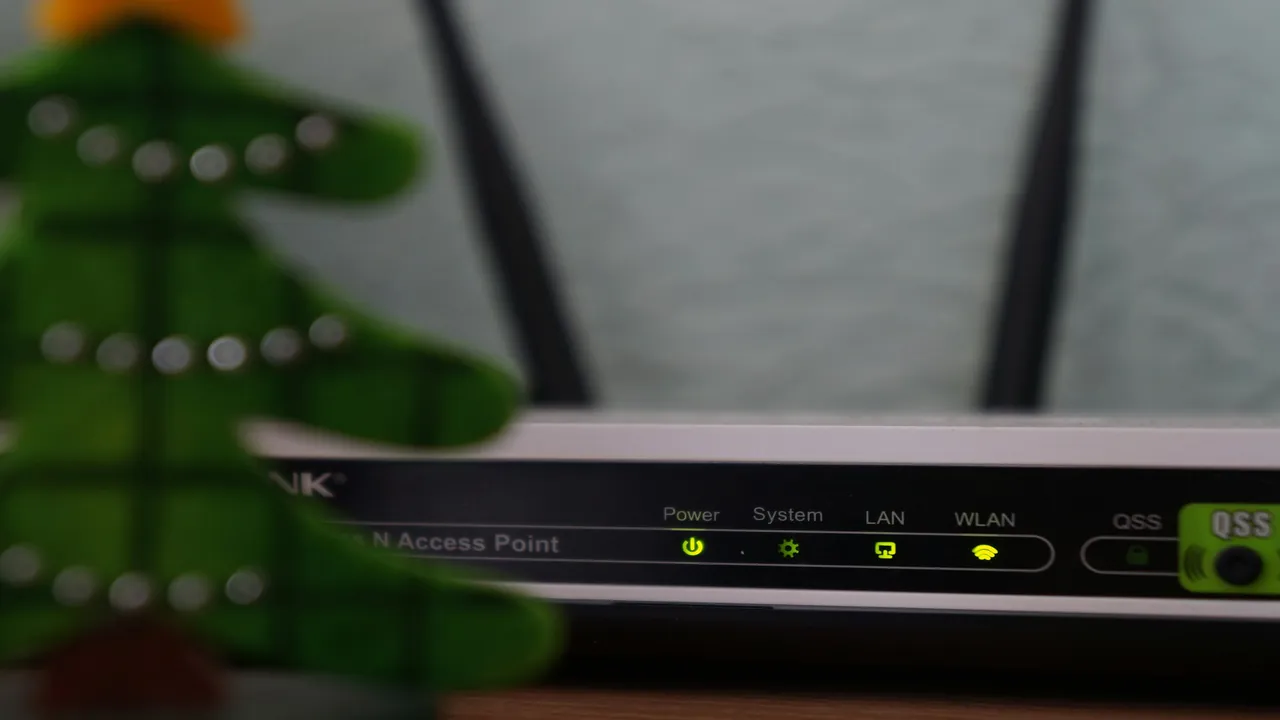
Network gateway indicator lights help verify whether WAN internet connectivity is active or failing.
HTTP Network & Authentication Codes (401, 403, 404, 502)
When an app attempts to connect to your IPTV provider, standard web status codes report the handshake outcome:
- HTTP 401 Unauthorized / HTTP 403 Forbidden: The server rejected your connection token. This occurs when your subscription term has elapsed, when login credentials contain trailing spaces, or when you exceed your concurrent streaming device limit. Learn how connection counts work in our guide on how many devices can use an IPTV subscription simultaneously.
- HTTP 404 Not Found: The specific channel URL or VOD movie file does not exist on the server. If this happens across all channels, your server portal URL has been updated by your provider. If it happens on only one channel, the stream feed is temporarily undergoing maintenance.
- HTTP 502 Bad Gateway / HTTP 503 Service Unavailable: The edge server is temporarily unable to reach the upstream transcoder feed. This is almost always server-side and typically resolves within a few minutes.
Media Player & Video Codec Errors
If the channel connects but displays a black screen or triggers an immediate crash:
- “ExoPlayer Exception / DecoderInitException”: The video stream uses an advanced profile (such as HEVC 10-bit HDR or AV1) that your TV’s built-in silicon cannot decode in hardware. Navigate to your app’s Playback Settings and change Video Decoder from Hardware to Software.
- Audio Plays but Screen Is Blank: Indicates an OpenGL or display refresh mismatch. Turn off “Hardware Acceleration” inside your player preferences or adjust frame rate matching.
- If the app force-closes entirely, follow our comprehensive repair steps for IPTV apps crashing or not loading.
Set-Top Box & Portal Errors (“STB Blocked”)
Dedicated set-top boxes (such as MAG and Formuler receivers) communicate via MAC address portal handshakes:
- “Your STB Is Blocked. Call the Operator”: This occurs when the hardware MAC address of your receiver (formatted as
00:1A:79:XX:XX:XX) does not match the active MAC address on your provider’s billing dashboard. Review our setup tutorial for MAG and Formuler set-top boxes. - “Page Loading Error”: Check that the Portal URL entered in system settings has no typos, missing slashes, or trailing spaces.
Socket Timeout & DNS Resolution Failures
A “Socket Timeout” or “Connection Refused” alert means your device sent request packets to the stream host, but no response was received before the timeout window expired:
- ISP DNS Filtering: Many home broadband providers block or poison IPTV hostnames at the DNS resolver level. Change your router’s DNS to Cloudflare (
1.1.1.1) or Google (8.8.8.8). - Packet Jitter on Wi-Fi: Switch your streaming player from wireless to wired Cat6. Learn why wired connections eliminate timeouts in our breakdown of Wi-Fi vs Ethernet for IPTV and discover how to reduce IPTV buffering.
Preventative Maintenance for Flawless Streaming
To avoid recurring error alerts, adopt these best practices:
- Use Xtream Codes API login instead of raw M3U text files for automatic server domain redirection. Learn more in our comparison of M3U vs Xtream Codes.
- Configure your media player to auto-refresh EPG data once every 24 hours. See our guide on how to fix IPTV EPG updating issues.
- Verify that your internet plan meets our benchmarks for recommended internet speed for IPTV.
Responsible Streaming Policy
Orvixa IPTV maintains high-capacity digital delivery infrastructure. Subscribers are responsible for confirming that all multimedia content viewed through their third-party software complies with regional copyright regulations and appropriate licensing frameworks.
Frequently Asked Questions
What does “Too Many Connections” mean?
Each IPTV subscription comes with an allotted number of simultaneous connections (typically 1, 2, or 3). If family members try to stream on more screens than your plan permits, the server immediately drops or blocks the newest connection.
Why do I get “Invalid Format” when adding an M3U playlist?
This error indicates a copy-paste error in the M3U link (such as an extra space or missing ampersand parameter), or that your provider requires Xtream Codes API login rather than raw playlist URLs.
Stream Error-Free with Premium Infrastructure
Infrastructure engineered to support stable playback under standard network conditions with dedicated 24/7 technical assistance.
Test Orvixa IPTV With a Free 24-Hour Trial
Experience 28,000+ live US & international channels, 4K/Full HD sports, and VOD on your Smart TV, Firestick, or mobile device before you commit.