
Quick Answer: The recommended internet speed for IPTV streaming is 15 Mbps for 720p HD, 25 Mbps for 1080p Full HD at 60fps, and 50+ Mbps for 4K Ultra HD live sports. For multi-device households streaming simultaneously on different screens, allocate an additional 25 Mbps per active screen and maintain network latency under 30ms.
When selecting an internet plan or troubleshooting playback stutter, raw megabits per second (Mbps) tell only half the story. Live IPTV broadcasts transmit real-time video chunks that cannot be paused and buffered minutes in advance like YouTube or Netflix. To enjoy crisp 60fps sports and seamless movie streaming without interruptions, your connection needs consistent throughput, low latency, and negligible packet jitter.
Table of Contents
- Internet Speed Requirements by Resolution
- Latency, Ping & Jitter: The Hidden Streaming Killers
- Multi-Device Household Bandwidth Calculator
- How to Test Real-World IPTV Streaming Speed
- Wired vs Wireless Throughput Comparison
- Why Internet Speeds Plunge During Peak Hours
- Responsible Streaming Policy
- Frequently Asked Questions
Internet Speed Requirements by Resolution
Different video resolutions and encoding standards demand varying levels of continuous bandwidth:
| Stream Resolution | Stream Bitrate | Minimum Dedicated Speed | Recommended Household Plan |
|---|---|---|---|
| SD (480p) | 1.5 – 3.0 Mbps | 8 Mbps | 25 Mbps Plan |
| HD (720p / 30fps) | 4.0 – 6.0 Mbps | 15 Mbps | 50 Mbps Plan |
| FHD (1080p / 60fps) | 8.0 – 14.0 Mbps | 25 Mbps | 100 Mbps Plan |
| 4K UHD (2160p / 60fps) | 20.0 – 35.0 Mbps | 50 Mbps | 200+ Mbps Plan |
For a deeper dive into codecs and compression formats, read our guide explaining IPTV picture quality across SD, HD, and 4K.
Latency, Ping & Jitter: The Hidden Streaming Killers
Many users with 500 Mbps fiber plans still experience buffering because their network latency is unstable:
- Ping (Latency): The round-trip time required for a packet to reach the streaming server and return. Ping should ideally remain under 40ms. Ping over 100ms leads to slow channel zapping.
- Jitter: The variance in ping over time. If ping fluctuates wildly between 15ms and 180ms, video frames arrive out of order, emptying the player buffer. Jitter must stay under 10ms for smooth live broadcasts.
- Packet Loss: The percentage of data packets that fail to reach their destination. For IPTV, packet loss must be 0.0%. Even 1% packet loss triggers macroblocking and audio screeching.
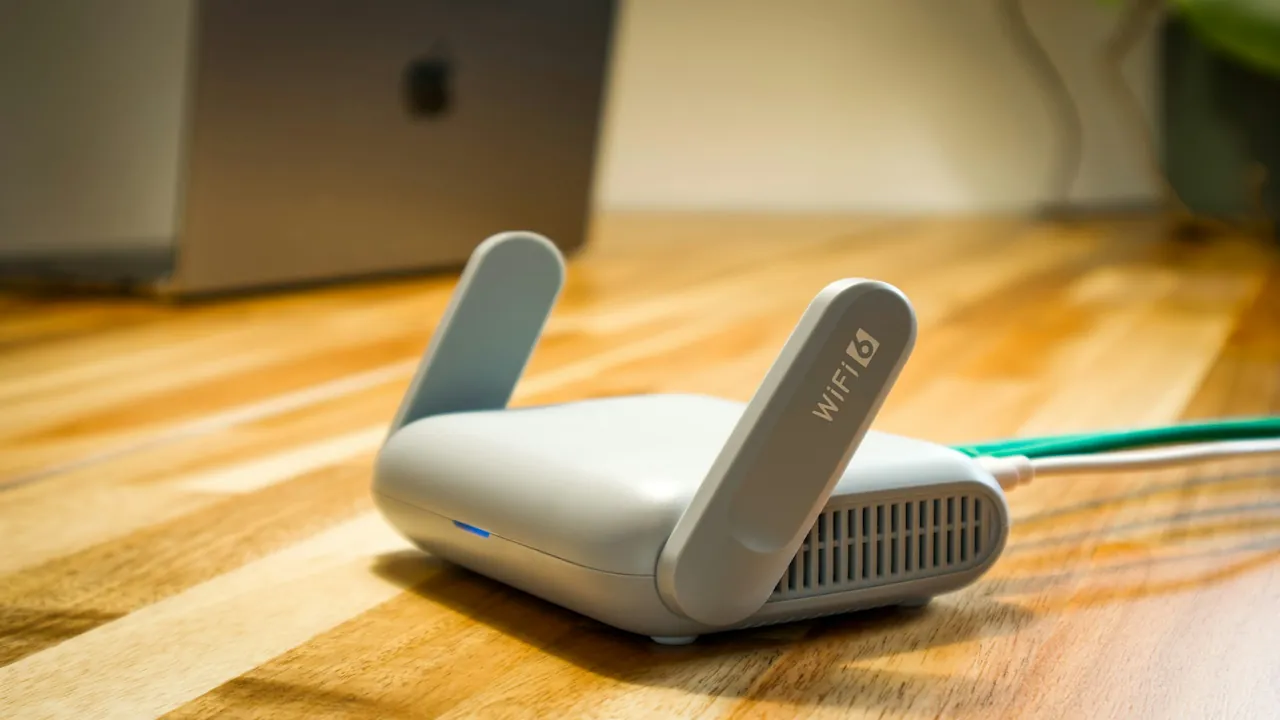
Conduct regular throughput tests to ensure your home gateway maintains sufficient headroom during peak evening hours.
Multi-Device Household Bandwidth Calculator
If multiple members of your family watch television while others play online games or attend video calls, calculate your cumulative bandwidth needs:
- 1 Active 4K Stream: 50 Mbps headroom
- 2 Active 1080p HD Streams: 50 Mbps headroom (25 Mbps each)
- General Household Activity (Smartphones, IoT, Background Cloud Sync): 30 Mbps
- Recommended Household Internet Tier: Minimum 150 Mbps to 250 Mbps fiber or cable subscription.
To verify that your subscription allows concurrent household viewing, consult our guide on how many devices can use an IPTV subscription simultaneously, and check your monthly data allowance in our guide on how much data IPTV uses per hour.
How to Test Real-World IPTV Streaming Speed
Standard browser speed tests often ping local ISP test nodes located only 5 miles away, yielding artificially optimistic numbers. To measure genuine streaming bandwidth:
- Run a speed test directly on your streaming box (via an app like Analiti or Speedtest by Ookla), not on your smartphone.
- Manually select an international or multi-region server to simulate genuine long-distance routing.
- Check download speed at 8:30 PM (peak evening hours) rather than 10:00 AM on a weekday.
Wired vs Wireless Throughput Comparison
A Wi-Fi connection that tests at 150 Mbps on a phone can drop to 12 Mbps behind a thick wall or entertainment cabinet. Explore our technical benchmarks comparing Wi-Fi vs Ethernet for IPTV and see why direct wired Ethernet connections deliver optimal stream consistency.
Why Internet Speeds Plunge During Peak Hours
If your bandwidth collapses specifically during major sporting events or evening prime time, you may be encountering ISP neighborhood node saturation or intentional traffic management. Learn actionable solutions in our guide on why IPTV channels freeze at peak times and find out how to reduce IPTV buffering.
Responsible Streaming Policy
Orvixa IPTV delivers high-capacity multimedia content infrastructure. Subscribers are responsible for ensuring that all streams accessed through their network connections comply with regional copyright regulations and valid media distribution agreements.
Frequently Asked Questions
Can I stream IPTV on a 4G or 5G mobile connection?
Yes. Modern 4G LTE and 5G networks frequently achieve speeds exceeding 50 to 100 Mbps. However, cellular jitter fluctuates depending on tower congestion, and high-definition video will rapidly consume mobile data caps.
Why does Netflix stream fine when IPTV buffers at the same speed?
Netflix uses dynamic adaptive bitrate streaming with deep local CDN caches inside your ISP’s network, pre-loading minutes of upcoming video into your TV’s memory. Live IPTV is a real-time broadcast stream with only a 3 to 5 second buffer window, making it far more sensitive to network micro-interruptions.
Stream 4K Entertainment with Confidence
Discover premium live channels and expansive on-demand libraries backed by enterprise-grade infrastructure.
Test Orvixa IPTV With a Free 24-Hour Trial
Experience 28,000+ live US & international channels, 4K/Full HD sports, and VOD on your Smart TV, Firestick, or mobile device before you commit.