
Quick Answer: IPTV channels freeze at night or during live games due to three primary bottlenecks: ISP traffic shaping (throttling) targeting high-bandwidth video streams, residential neighborhood network congestion between 7:00 PM and 11:00 PM, and low-tier provider server overload. Encrypting traffic with a high-speed VPN and switching to Cloudflare DNS (1.1.1.1) typically resolves ISP throttling instantly.
One of the most perplexing issues IPTV viewers encounter is a subscription that works flawlessly at 10:00 AM on a Tuesday but becomes virtually unwatchable at 8:30 PM on a Saturday during a major football match. Because you are paying for high-speed home internet, it is easy to assume the service is broken. In reality, evening playback drops are caused by complex network traffic management and peering saturation.
Table of Contents
- The Anatomy of the Evening Streaming Peak
- 1. ISP Traffic Shaping & Deep Packet Inspection
- 2. Neighborhood Node Over-Subscription
- 3. Provider Edge Server Capacity Limits
- 4. In-Home Device Bandwidth Contention
- The 5-Minute VPN Isolation Test
- 5 Actionable Steps to Eliminate Evening Freezing
- Responsible Streaming Policy
- Frequently Asked Questions
The Anatomy of the Evening Streaming Peak
Between 7:00 PM and 11:00 PM local time, residential internet traffic surges across every metropolitan area as millions of households return from work, launch video streaming services, play online multiplayer games, and update smartphones. This simultaneous demand creates acute bottlenecks at the physical and routing layer.
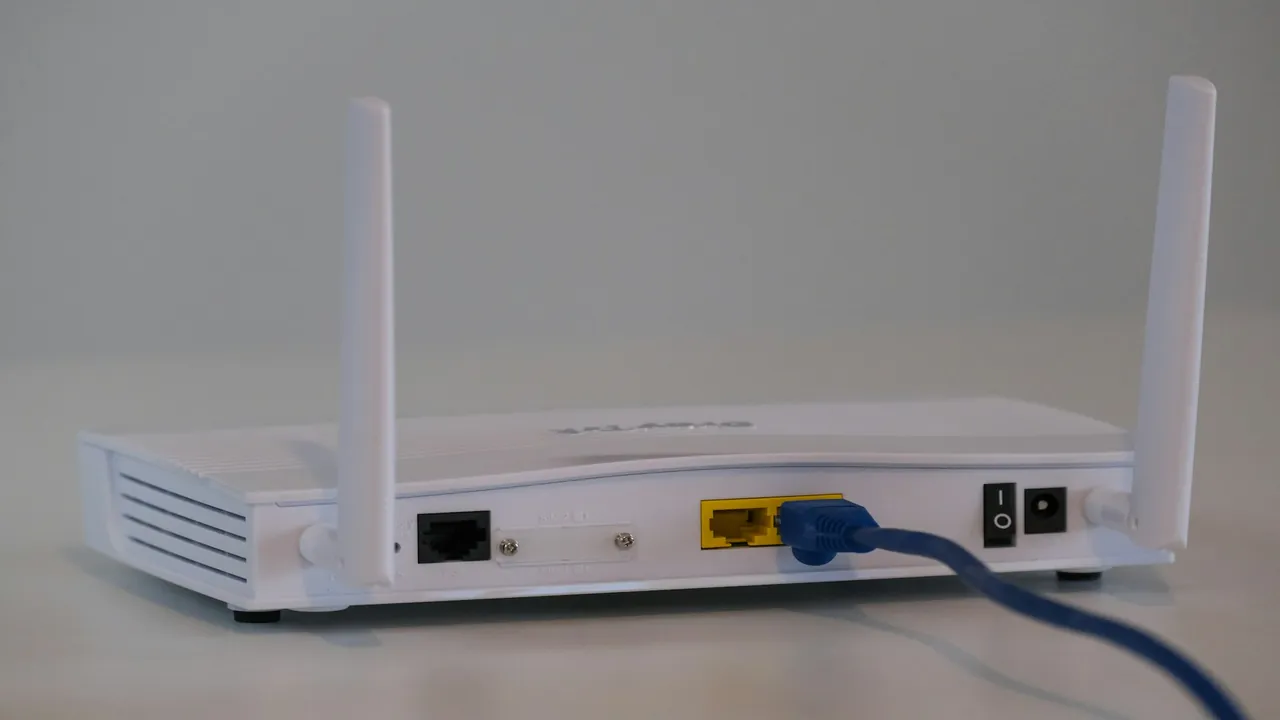
Network equipment handles massive data spikes during evening peak entertainment hours.
1. ISP Traffic Shaping & Deep Packet Inspection
Many internet service providers employ Deep Packet Inspection (DPI) algorithms to identify persistent UDP and MPEG-TS video streams. When your connection maintains an unyielding 15–30 Mbps stream for two hours during a congested evening, the ISP’s automated Quality of Service (QoS) software intentionally throttles that specific port or IP range to preserve bandwidth for general web traffic. This explains why running a speed test shows full speed while your TV buffers. Read our analysis on whether IPTV requires a VPN to prevent throttling.
2. Neighborhood Node Over-Subscription
In traditional cable (DOCSIS) internet infrastructure, up to 500 neighboring homes share a single physical optical node. If 150 households simultaneously stream 4K movies and live sports, the aggregate capacity of that neighborhood hub saturates, introducing massive packet jitter and packet loss. Learn why latency jitter ruins live TV in our guide on recommended internet speed for IPTV.
3. Provider Edge Server Capacity Limits
Budget IPTV providers operate limited edge servers. During regular weekday afternoons, server load hovers around 25%. However, when high-stakes championship games begin, tens of thousands of subscribers tune into the exact same feed simultaneously. Underfunded networks cannot handle the egress traffic, resulting in server-side buffer starvation. Premium services like Orvixa employ load-balanced Content Delivery Networks (CDNs) that dynamically scale transcoders to match traffic spikes.
4. In-Home Device Bandwidth Contention
During the evening, your television is rarely the only connected device. Family members downloading large game updates on consoles, streaming social video on tablets, or running automated cloud backups can overwhelm home Wi-Fi. Ensure your household network has enough bandwidth by reviewing our multi-device IPTV household guide and comparing Wi-Fi vs Ethernet for IPTV.
The 5-Minute VPN Isolation Test
To determine whether the freezing originates from your internet provider or your IPTV service:
- When a channel begins buffering at night, note the stream quality.
- Install and launch a premium VPN service (such as ExpressVPN or NordVPN) on your streaming device.
- Connect to a local VPN server and reload the channel.
- Result Analysis: If the channel instantly streams smoothly with zero buffering, your ISP was actively throttling your video traffic. If the stream still buffers, the issue is either your provider’s server node or your local Wi-Fi.
5 Actionable Steps to Eliminate Evening Freezing
- Increase Media Player Buffer: In TiviMate or IPTV Smarters, set buffer size to Medium (3–5 seconds) or Large. This allows your device to absorb momentary network jitter. Learn more in our guide on how to reduce IPTV buffering.
- Switch to 5 GHz Wi-Fi or Ethernet: 2.4 GHz Wi-Fi collapses in the evening due to neighborhood RF interference. Read our comparison of 2.4 GHz vs 5 GHz Wi-Fi for IPTV.
- Update Public DNS: Change your router DNS to Cloudflare (
1.1.1.1) or Google (8.8.8.8). - Switch to Alternative Backup Feeds: Premium IPTV playlists often provide multiple regional broadcast feeds for major sports games.
Responsible Streaming Policy
Orvixa IPTV supplies high-capacity digital delivery infrastructure. Subscribers are responsible for confirming that all multimedia content viewed through their hardware complies with regional copyright regulations and appropriate licensing frameworks.
Frequently Asked Questions
Why does my internet speed test look fine when channels buffer?
Speed tests open multiple short TCP burst connections to local ISP test nodes, which ISPs prioritize for maximum marketing numbers. Live IPTV relies on sustained UDP video packets over long distances, which ISPs frequently throttle during peak evening hours.
Will changing to a new router stop evening freezing?
If the bottleneck is Wi-Fi congestion or old router hardware unable to manage dozens of household smart devices, upgrading to a Wi-Fi 6 router or connecting via Ethernet will significantly improve stability. However, if the issue is ISP throttling, a VPN is required.
Uninterrupted Prime-Time Entertainment
Say goodbye to evening buffering with Orvixa’s redundant enterprise CDN servers built for major live sports traffic.
Test Orvixa IPTV With a Free 24-Hour Trial
Experience 28,000+ live US & international channels, 4K/Full HD sports, and VOD on your Smart TV, Firestick, or mobile device before you commit.