
Quick Answer: IPTV data consumption ranges from 0.7 GB per hour for SD, 1.5 GB per hour for 720p HD, 3.0 to 4.5 GB per hour for 1080p Full HD at 60fps, and 7.0 to 14.0 GB per hour for 4K Ultra HD. If your household streams four hours of 1080p television daily, expect to use approximately 400 GB to 500 GB of monthly internet data.
As internet service providers enforce monthly data caps—frequently set at 1.0 or 1.2 Terabytes (TB) before imposing costly overage penalties—understanding exactly how much data your IPTV streaming setup consumes is essential. Because live television transmits a continuous, unthrottled video feed, calculating your household’s daily consumption prevents surprise broadband bills and helps you select the right internet tier.
Table of Contents
- Data Usage by Resolution and Daily Hours
- How H.265 (HEVC) Cuts Data Usage in Half
- Managing ISP 1.2 TB Monthly Data Caps
- Streaming on 4G & 5G Cellular Data Plans
- 5 Practical Ways to Reduce IPTV Data Consumption
- Throughput Speed vs Total Data Volume
- Responsible Streaming Policy
- Frequently Asked Questions
Data Usage by Resolution and Daily Hours
This table breaks down hourly data consumption and projects monthly gigabyte usage based on daily viewing habits:
| Stream Resolution | Data Per Hour | 2 Hours / Day (Monthly) | 4 Hours / Day (Monthly) | 8 Hours / Day (Monthly) |
|---|---|---|---|---|
| SD (480p) | ~0.8 GB / hr | 48 GB / mo | 96 GB / mo | 192 GB / mo |
| HD (720p) | ~1.8 GB / hr | 108 GB / mo | 216 GB / mo | 432 GB / mo |
| FHD (1080p / 60fps) | ~3.5 GB / hr | 210 GB / mo | 420 GB / mo | 840 GB / mo |
| 4K UHD (2160p HDR) | ~9.5 GB / hr | 570 GB / mo | 1,140 GB / mo | 2,280 GB / mo |
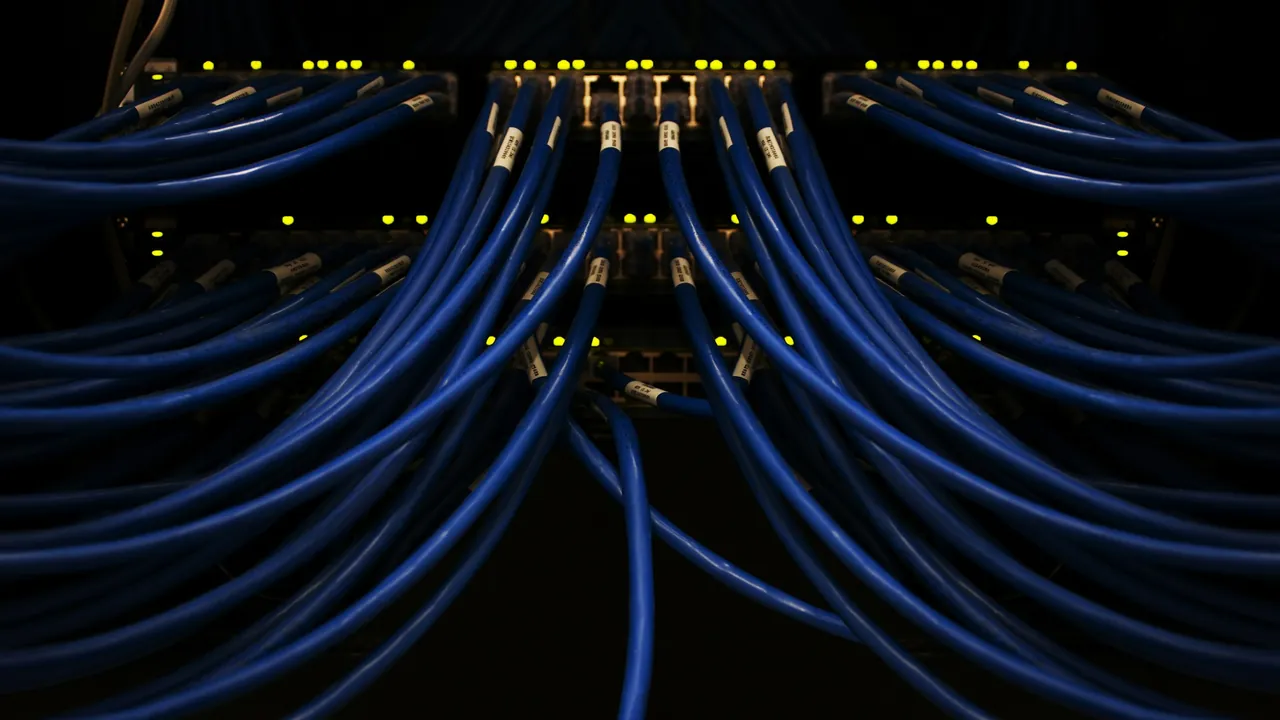
Network routers meter high data volume across connected entertainment hardware.
How H.265 (HEVC) Cuts Data Usage in Half
The compression codec your provider deploys drastically impacts total bandwidth consumption. Legacy H.264 streams require roughly 12 to 14 Mbps for a 1080p 60fps sports feed. Modern H.265 (HEVC) encoding achieves the exact same visual quality at only 6 to 8 Mbps—slashing your data usage by approximately 45%. Review our in-depth analysis on IPTV picture quality and codec bitrates.
Managing ISP 1.2 TB Monthly Data Caps
Major US and Canadian broadband providers (like Comcast Xfinity and Cox) frequently enforce a 1.2 TB (1,229 GB) monthly ceiling. If your household streams across two or three screens simultaneously:
- Two 1080p screens streaming 4 hours daily consume roughly 840 GB per month.
- Add general household telecommuting, Zoom calls, and gaming (typically 250 GB/month), and your household will hover right at the 1.2 TB cap.
- Check multi-screen dynamics in our guide on how many devices can use an IPTV subscription simultaneously.
Streaming on 4G & 5G Cellular Data Plans
If you stream IPTV on an iPhone, iPad, or Android phone outside the house, mobile data plans can evaporate rapidly. Watching a 90-minute soccer match in 1080p consumes roughly 5.2 GB of mobile data. When connected to cellular networks, manually select standard definition (SD) or 720p HD feeds inside your player settings to conserve data.
5 Practical Ways to Reduce IPTV Data Consumption
- Exit the Player When Turning Off the TV: Pressing the power button on your TV remote does not always stop streaming sticks from downloading video in the background. Always press Home or Back to exit the playback screen.
- Select 720p for News and Talk Shows: Reserve 1080p and 4K feeds for live sports and cinematic movies where high framerate and resolution matter most.
- Set Sleep Timers: If you fall asleep with the television on, activate your TV’s 60-minute sleep timer so streams do not run continuously overnight.
- Avoid Background EPG Looping: Set EPG update intervals to once every 24 hours. Learn more in our tutorial on how to fix IPTV EPG updates.
Throughput Speed vs Total Data Volume
Do not confuse speed (Mbps) with data allowance (GB). A connection speed of 100 Mbps measures how wide the pipe is; total data measures how many gallons of water flow through it over a month. Check our speed recommendations in recommended internet speed for IPTV and learn how to reduce IPTV buffering.
Responsible Streaming Policy
Orvixa IPTV supplies high-capacity digital delivery infrastructure. Subscribers are responsible for confirming that all multimedia content viewed through their hardware complies with regional copyright regulations and appropriate licensing frameworks.
Frequently Asked Questions
Does IPTV use data when paused?
If your player supports live pause (Time-Shift / Catch-Up), it continues downloading video into temporary storage while paused, continuing to consume bandwidth. To stop data consumption entirely, exit the channel.
Will an unlimited broadband plan stop buffering?
An unlimited plan prevents overage charges and speed throttling past data caps, but buffer-free streaming still requires low latency, zero packet loss, and stable Wi-Fi or Ethernet routing.
Stream Efficiently with Orvixa IPTV
Enjoy optimized H.265 compression, crystal-clear 1080p sports, and high-performance server clusters.
Test Orvixa IPTV With a Free 24-Hour Trial
Experience 28,000+ live US & international channels, 4K/Full HD sports, and VOD on your Smart TV, Firestick, or mobile device before you commit.