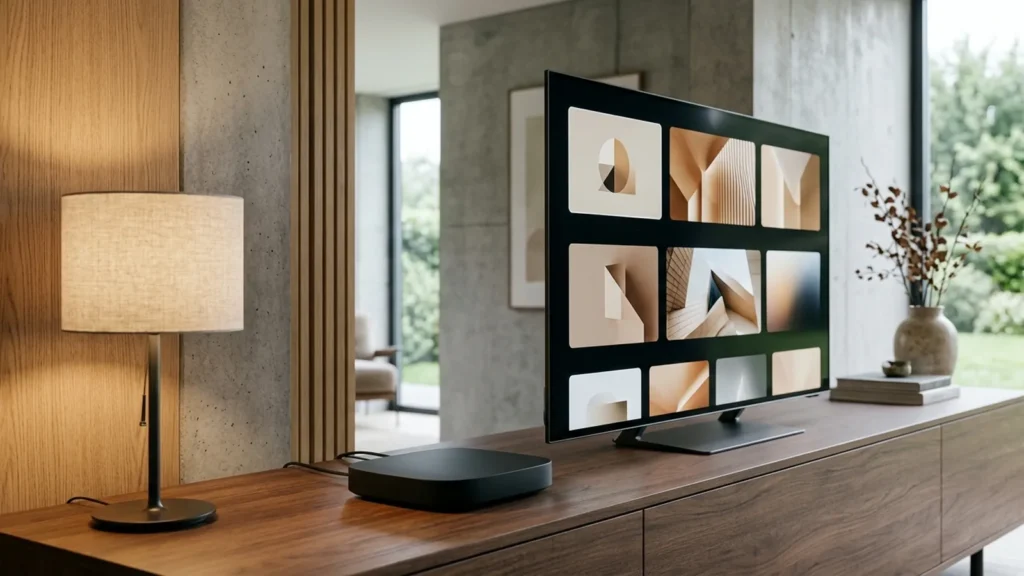
Quick Answer: To set up IPTV on Apple TV (tvOS), open the App Store and install a top-rated tvOS player such as IPTVX, Snappier IPTV, or iPlayTV. Open the app, add a new playlist using Xtream Codes API by entering your server URL, username, and password, and allow the electronic program guide (EPG) to sync. Apple TV’s powerful Bionic silicon delivers smooth 60fps live sports playback with rapid channel switching.
Apple TV 4K and Apple TV HD are among the most capable streaming hardware platforms available for IPTV. With custom Apple silicon processors, tvOS hardware-accelerated video rendering, and zero system bloatware, Apple TV delivers fluid navigation and instant channel zapping. Because tvOS enforces strict App Store quality guidelines, setting up IPTV on Apple TV is straightforward and requires no sideloading or complicated developer settings.
Table of Contents
- Compatible Apple TV Models
- Prerequisites & System Requirements
- Top Recommended IPTV Players for tvOS
- Step-by-Step Setup Guide with IPTVX
- Alternative Setup: Snappier IPTV & iPlayTV
- Video & Network Optimization Settings
- Troubleshooting tvOS Playback Errors
- Responsible Streaming Policy
- Frequently Asked Questions
Compatible Apple TV Models
You can run IPTV players on any Apple TV running tvOS 14 or later. For 4K HDR live sports and high-bitrate streaming, newer generations are ideal:
- Apple TV 4K (3rd Generation, 2022): Powered by the A15 Bionic chip with HDR10+, Dolby Vision, and optional Gigabit Ethernet with Thread networking.
- Apple TV 4K (2nd Generation, 2021): Powered by the A12 Bionic chip with high frame rate HDR support and Gigabit Ethernet.
- Apple TV 4K (1st Generation, 2017): Reliable 4K playback powered by the A10X Fusion chip.
- Apple TV HD (4th Generation, 2015): Capable 1080p player, suitable for bedroom TVs or secondary displays.
Prerequisites & System Requirements
- An Apple TV connected to your display and connected to your home network.
- An active Apple ID signed into the App Store.
- A stable broadband connection: minimum 25 Mbps for 1080p streams, 50+ Mbps for 4K. Read our detailed breakdown on recommended internet speed for IPTV.
- Your Orvixa IPTV account credentials (server URL, username, and password). If you need an account, select one from our IPTV subscription plans.
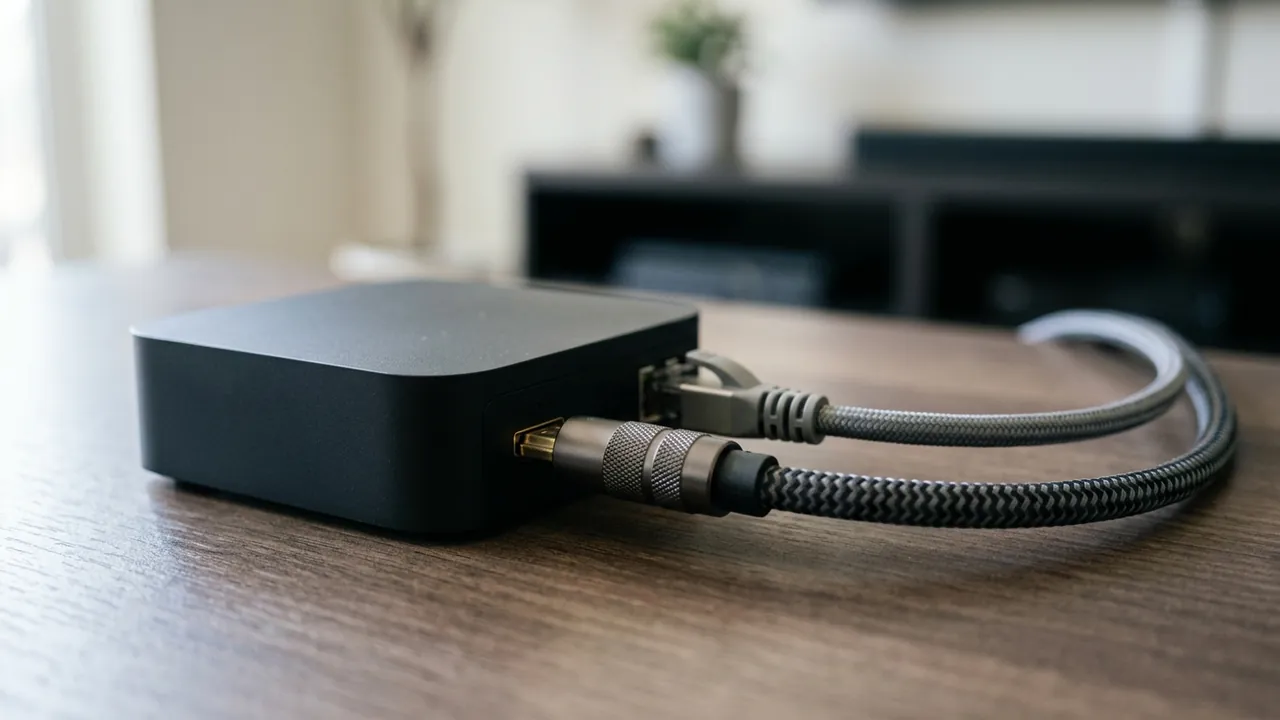
A wired Gigabit Ethernet connection provides zero packet loss and instant buffer preloading on Apple TV.
Top Recommended IPTV Players for tvOS
Unlike mobile devices where hundreds of ad-heavy players exist, tvOS features a curated selection of polished, native applications:
- IPTVX: Features a Netflix-style UI, iCloud sync across iPhone/iPad/Apple TV, picture-in-picture, and full catch-up support.
- Snappier IPTV: Fast, lightweight player built specifically for tvOS with quick category navigation and smooth EPG grid scrolling.
- iPlayTV: A longstanding favorite among tvOS users, offering multi-playlist support, VLC/KSPlayer internal video engines, and custom channel reordering.
Step-by-Step Setup Guide with IPTVX
IPTVX offers the most modern visual presentation on tvOS. Follow these steps to configure your playlist:
- Turn on your Apple TV and launch the App Store.
- Navigate to the Search tab and type IPTVX. Download and open the app.
- On the welcome screen, select Add Playlist.
- Choose Xtream Codes API (recommended over M3U for fast indexing and categorized VOD).
- Enter the connection details provided in your Orvixa activation email:
- Playlist Name: Orvixa IPTV
- Server URL: Enter the exact server URL including port
- Username: Your subscription username
- Password: Your subscription password
- Click Connect. The app will fetch live channels, movie libraries, series, and TV guide data.
Alternative Setup: Snappier IPTV & iPlayTV
If you prefer a classic electronic program guide (EPG) layout similar to traditional cable television:
- Search for Snappier IPTV or iPlayTV in the App Store.
- Install and launch the player.
- Click Add Playlist → Xtream Codes.
- Enter your server URL, username, and password, then confirm.
- Allow 30 to 60 seconds for the guide to download metadata. If the guide appears blank, consult our guide on how to fix an IPTV EPG not updating.
Video & Network Optimization Settings
To take full advantage of Apple TV’s hardware capabilities, adjust these tvOS and app settings:
- Match Dynamic Range & Frame Rate: Go to Apple TV Settings → Video and Audio → Match Content. Turn on both Match Dynamic Range and Match Frame Rate. This ensures live 50fps and 60fps sports broadcasts display without frame jitter or judder.
- Switch Video Engine: Inside IPTVX or iPlayTV settings, set the video player engine to KSPlayer or VLCKit. These engines support software fallback if an uncommon audio codec (like DTS or AC3) is encountered.
- Wired Ethernet Connection: Whenever possible, connect your Apple TV to your router using a Cat6 Ethernet cable. Compare performance metrics in our Wi-Fi vs Ethernet for IPTV analysis.
Troubleshooting tvOS Playback Errors
- Stream Stuttering or Buffering: If streams stutter during major live events, check your network throughput. Read our guide on how to reduce IPTV buffering for quick latency and router adjustments.
- Audio Out of Sync: Apple TV features an automated audio calibration tool. Go to Apple TV Settings → Video and Audio → Wireless Audio Sync and use your iPhone to calibrate audio timing with your TV or soundbar.
- App Crashing on Playlist Load: Large channel playlists with 50,000+ items can exhaust RAM on older Apple TV HD models. Use your player’s category manager to hide unwanted international categories or non-English VOD sections.
Responsible Streaming Policy
Orvixa IPTV supplies high-bandwidth streaming infrastructure. Subscribers are responsible for ensuring that all streams accessed through their third-party player applications comply with applicable regional copyright laws and broadcast licenses.
Frequently Asked Questions
Can I use Picture-in-Picture on Apple TV with IPTV?
Yes. Players like IPTVX support native tvOS Picture-in-Picture, allowing you to minimize a live sports match to the corner of your screen while navigating other apps or browsing the home screen.
Do I need to sideload apps on Apple TV?
No. Unlike Firestick or Android TV where users frequently sideload APK files, tvOS hosts dedicated, feature-rich IPTV applications directly in the official Apple App Store.
Upgrade Your Apple TV Streaming Experience
Enjoy 4K crystal-clear sports, premium movies, and instant channel switching on your Apple TV.
Test Orvixa IPTV With a Free 24-Hour Trial
Experience 28,000+ live US & international channels, 4K/Full HD sports, and VOD on your Smart TV, Firestick, or mobile device before you commit.